WARDOGS RADAR & MISC
WARDOGS RADAR: A COMPACT VIEW OF PLAYERS, VEHICLES AND THE SPACE AROUND YOU.
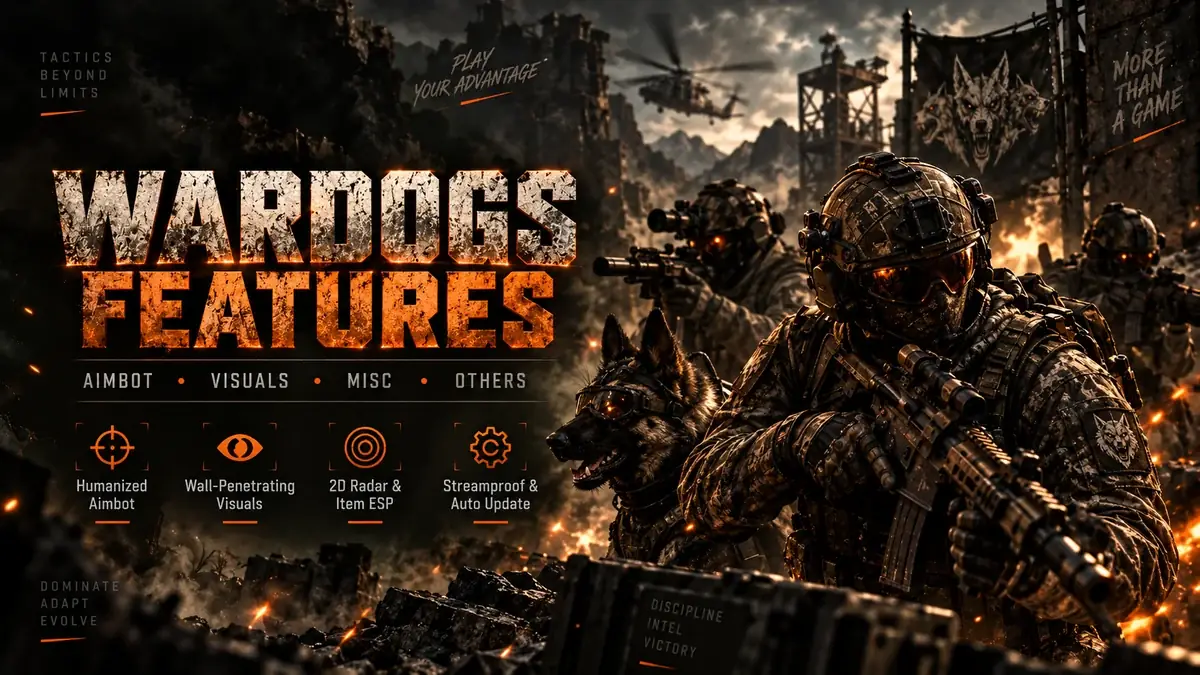
The 2D radar is designed to condense battlefield information into a smaller tactical view. Instead of placing every piece of information directly over the world, radar can help show relative positions while the main screen remains focused on movement and aiming.
The wider Misc feature group also includes AI/bot ESP, vehicle ESP, item-type filtering, crate, weapon and ammunition information, crosshair controls and display-size options. These tools can be enabled independently, which makes the page useful for players who want awareness features without using the full player-ESP presentation.
When a 2D radar is useful
Large fights can put threats outside the immediate center of the screen. A compact radar can help provide directional context without requiring a full-screen map check. It is most useful when you treat it as an awareness tool rather than staring at it continuously: glance for relative direction, then return attention to the scene.
Player and vehicle awareness
Relative positioning is useful around objectives, roads and helicopter approaches where threats can arrive from different directions. Vehicle information is especially relevant because an approaching armored vehicle or aircraft changes the fight differently from a single infantry player.
Items, crates, weapons and ammunition
World-item filters let users choose which types of information deserve screen space. If ammunition is the priority, there is little reason to display every other item category at maximum range. Filtering by type and distance keeps the awareness layer more useful.
Radar vs. ESP
The radar and WARDOGS ESP overlap in the information they can expose, but the presentation is different. ESP attaches information to objects in the world. Radar compresses relative positions into a dedicated view. Players who prefer a cleaner main screen may rely more heavily on radar, while players who want exact world-position context may prefer ESP labels and boxes.
Combine awareness with sensible limits
More information is not automatically better. Set distance limits and item filters around the way you actually play. If the radar becomes crowded with low-value markers, reduce the categories or range until nearby threats remain easy to interpret. You can also review the full WARDOGS feature list to see which awareness controls belong to each group.
WARDOGS radar FAQ
Does the feature set include a 2D radar?
Yes. A 2D radar is listed in the current Misc feature group.
Does radar replace ESP?
No. They are different presentations of awareness information. Some users may prefer one, while others use both with limited filters.
Should I check status after a game update?
Yes. Compatibility can change after game or anti-cheat updates, so review the current WARDOGS Status before relying on old information.